
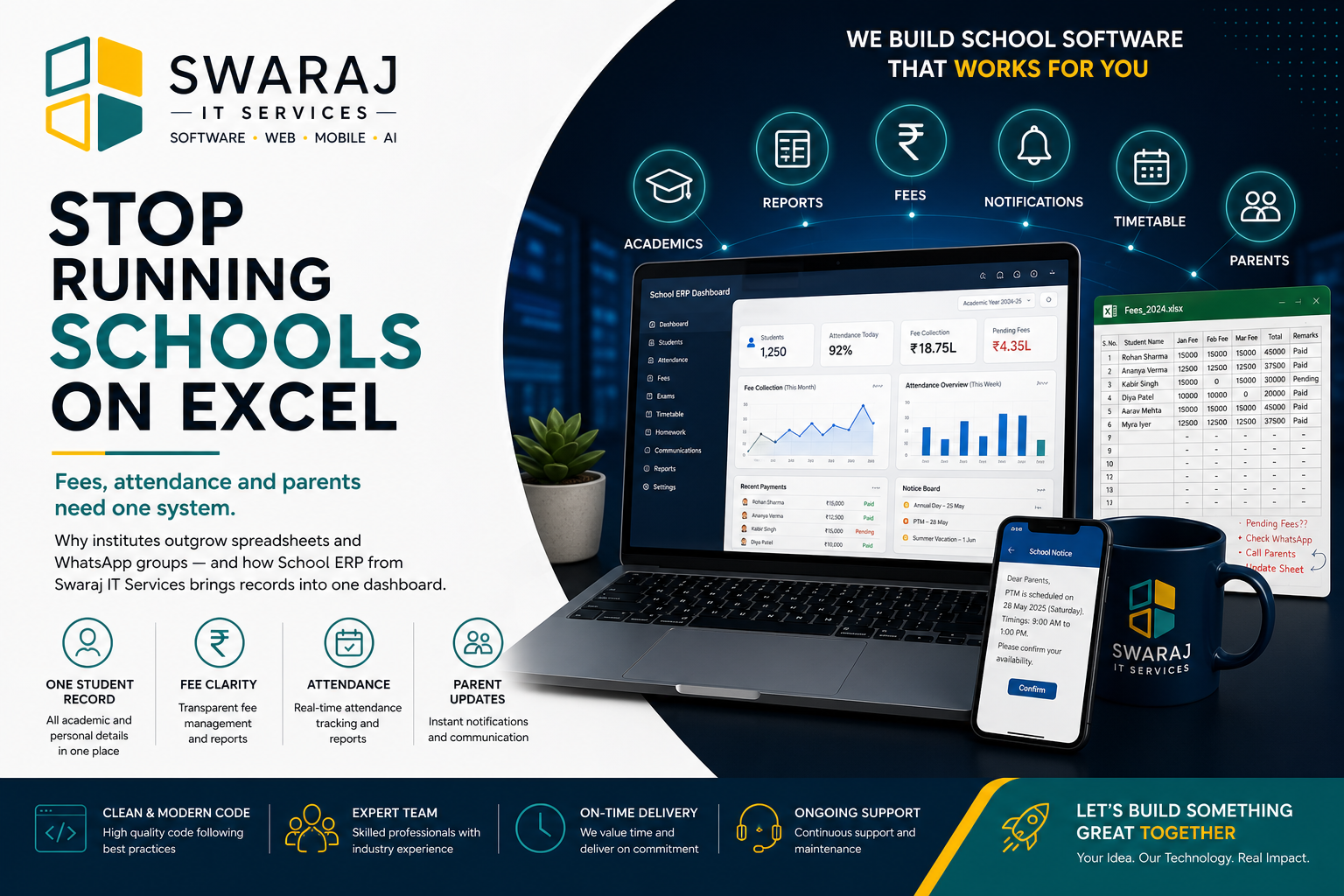
The File On One Laptop Is Not A School System
Most institutes we meet at Swaraj IT Services already “have software”: Excel for fees, a register for attendance, WhatsApp for parents, and a Word file for the prospectus.
That works for a small batch. It breaks when two people need the same truth at the same time.
Where Spreadsheets Fail First
Admissions
The enquiry list is not the student list. Someone re-types names into fees. Spellings drift. A child exists twice, or not at all.
Fees
Pending dues live with the person who “knows the sheet”. Leave, laptop crash, or a wrong filter and the office is guessing.
Attendance
Paper or a shared drive file that nobody trusts by week three of term.
Parents
Notices go to the groups the class teacher remembers to include. Fee reminders are personal chats. There is no record.
What School ERP Changes
One student profile feeds admissions, fees, attendance and parent updates. Accounts see receipts. Management sees collections. Parents get a message that did not depend on someone’s phone battery.
- Student and staff records — academic year, class, section
- Fee heads and receipts — pending dues you can stand behind
- Attendance — marked against the same roster
- Parent communication — notices and reminders with a trail
This Is Not “More Software For The Sake Of It”
If you have 40 students and one clerk, a careful spreadsheet can still be honest. The pain starts when:
- More than one person must enter data
- Parents expect updates without visiting the window
- Management asks for a report the same afternoon
That is when we implement School ERP. Read a rollout in the education group case study.
Start With The Office Day
We do not begin with a 40-module demo. We begin with how your admission desk and accounts actually work. Then we configure the modules you will use this term.
Swaraj IT Services
Software • Web • Mobile • AI • Digital Solutions